
Quick Answer: Conditional Recommendations
The transition from the Yamaha PSR-E373 to the newer PSR-E383 represents an evolutionary step in the brand’s entry-level portable keyboard lineup, offering subtle refinements designed to enhance the user experience. If you are a beginner looking for the latest learning integrations, slightly updated sound engines, and refined user interfaces, investing in the newer model is generally the most future-proof path. The updated model is designed to streamline how you interact with educational software, making it highly suitable for students who plan to connect their instrument directly to tablets or computers for interactive lessons.
Conversely, budget-conscious learners, casual hobbyists, or music schools looking to outfit a classroom can comfortably choose the older model if it is available at a significant discount. Because both instruments share a core foundation of touch-sensitive keys and high-quality stereo grand piano samples, the older model remains an incredibly capable practice tool for developing finger strength and musical expression. Before making your final decision, it is essential to verify current local stock, warranty terms, and official specifications with authorized distributors, as availability can vary widely across different regions and retail outlets.
Core Specifications to Verify Before Buying
When comparing these two portable keyboards, the technical specifications listed in the official manufacturer manuals serve as your most reliable guide for understanding their true capabilities. One of the first parameters you should verify is the maximum polyphony, which dictates how many individual notes or voices can sound simultaneously without dropping out. A higher polyphony count prevents notes from being abruptly cut off when you play complex chords while holding down a sustain pedal or layering multiple instrument sounds, such as piano and strings. Checking this specification ensures that the keyboard can handle your growing repertoire as your playing technique becomes more advanced and your arrangements become more complex.
Products mentioned in this guide
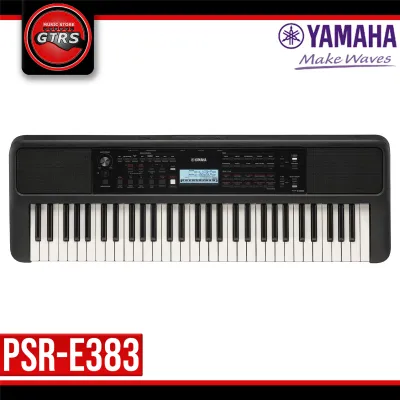
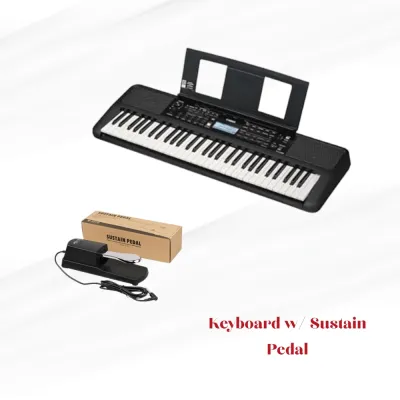
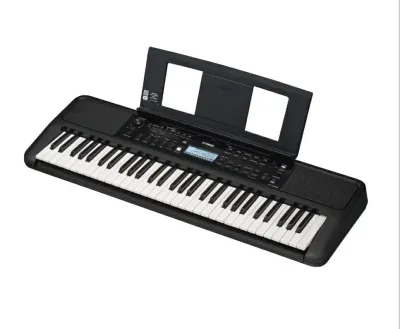
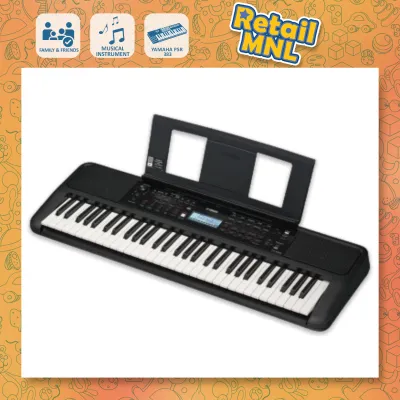
Prices are valid at publication and may change. Please refer to the product page for the latest price.

Next, examine the total count of built-in voices, accompaniment styles, and demo songs provided in the official product documentation. While both models offer a vast library of realistic instrument sounds—ranging from acoustic pianos and electric organs to strings, brass, and woodwinds—newer iterations typically introduce updated sound sets or refined digital signal processing. Comparing the exact number of accompaniment styles will also tell you how many virtual backing bands you have at your disposal for practice sessions, which is highly beneficial for developing your sense of rhythm, timing, and genre-specific phrasing.
Finally, pay close attention to the physical connectivity options, specifically the presence and type of USB ports on the rear panel of the instrument. You will want to verify whether the keyboard features a USB-to-Host port, which allows for direct digital audio and MIDI communication with external devices like computers and tablets. Some models also include a USB-to-Device port for plugging in flash drives to save recorded songs or load external style files. Confirming these port specifications beforehand prevents compatibility issues when you attempt to integrate the keyboard into your home recording setup or educational workstation.
Feature Comparison Matrix Structure
To make an informed choice, it is helpful to organize the key physical and digital characteristics of both keyboards into a structured comparison. This allows you to evaluate whether the physical build and internal processing capabilities align with your specific home environment, storage space, and performance needs.
- Keyboard Action and Touch Sensitivity: Both models feature a standard 61-key layout with touch-responsive keys that respond to how hard or soft you strike them. You should verify the available sensitivity settings (such as Hard, Medium, Soft, and Fixed) in the user manual to ensure you can customize the key response to match your finger strength and playing style.
- Digital Effects and Sound Enhancement: Look closely at the specifications for built-in digital effects, including reverb, chorus, master EQ, and DSP (Digital Signal Processing). The variety and customizability of these effects directly influence how rich, spacious, and polished the keyboard sounds through its built-in speakers or connected headphones.
- Physical Dimensions and Portability: Compare the exact width, depth, height, and weight of both chassis designs to ensure the instrument fits your space. This is particularly important if you have limited desk space in your home or if you plan to transport the instrument regularly to music lessons, church services, or band rehearsals.
- Power Supply and Battery Compatibility: Verify the power requirements, including the specific AC adapter model required and whether the keyboard can run on standard AA batteries. Battery operation is a crucial feature for outdoor performances, busking, or areas where power outlets are not easily accessible or stable.
Playability and Built-in Learning Tools
For students and self-taught musicians, the built-in educational features are often the deciding factor when choosing between these two portable keyboards. Both instruments feature interactive lesson suites designed to help beginners learn notes, timing, and chord progressions at their own pace. You should check the user manual to see how these lesson modes track your progress, as some versions offer real-time grading, chord dictionaries, or step-by-step guides that wait for you to play the correct key before moving forward.
Another critical aspect to verify is how seamlessly each keyboard connects to official learning and recording applications. Modern portable keyboards often support dedicated companion apps that provide interactive sheet music, visual training games, and simplified recording interfaces. Before purchasing, visit the official app store or the manufacturer’s website to confirm which operating systems and device models are fully compatible with each keyboard, ensuring a smooth setup without the need for expensive adapters or third-party interfaces.
Additionally, compare the utility tools that support daily practice, such as the built-in metronome and internal recording capabilities. Check the tempo adjustment range of the metronome to ensure it can accommodate both slow, deliberate practice and fast-tempo exercises. You should also verify the capacity of the internal song recorder, noting how many tracks and notes you can record directly onto the keyboard’s memory, which is invaluable for capturing quick song ideas, practicing duets, or reviewing your own performances.
Evaluating Price and Value in the Philippines
Navigating the musical instrument market in the Philippines requires a strategic approach to pricing and local availability. Because retail prices can fluctuate based on shipping costs, import duties, and local promotions, you should always check authorized local dealers and official online storefronts to get the most accurate, up-to-date pricing in Philippine Pesos (₱). Avoid relying on converted international prices, as they rarely reflect the actual retail cost you will encounter in local physical stores or domestic ecommerce platforms.
When evaluating the price difference between the two models, weigh the cost premium of the newer model against the specific feature upgrades you have verified. If the newer model introduces critical software compatibility or improved sound engines that directly support your learning goals, the extra investment is often justified. However, if your primary goal is simply to have a reliable, touch-sensitive keyboard for basic piano practice, the older model might offer superior value, allowing you to allocate your remaining budget to other essential accessories.
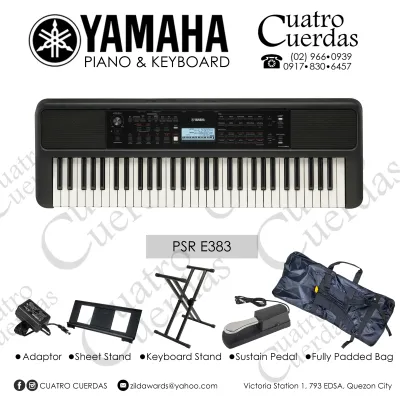
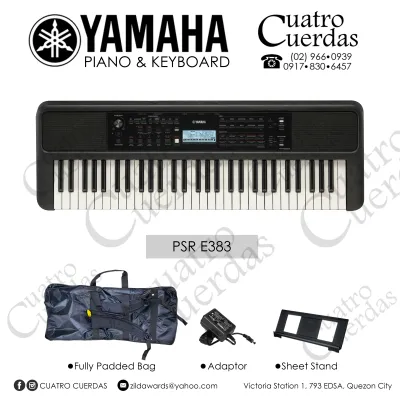
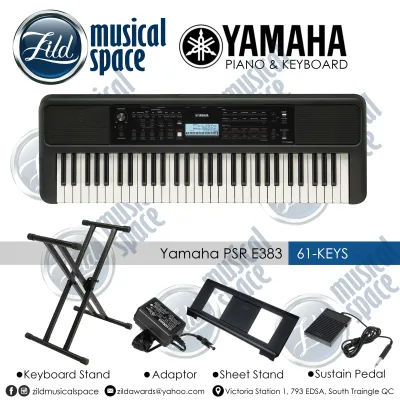
Furthermore, always inquire about the specific bundle inclusions offered by local retailers before finalizing your purchase. In the Philippines, keyboards are frequently sold in packages that may include a sturdy double-X keyboard stand, a padded bench, a sustain pedal, a dust cover, or a pair of headphones. A slightly higher price on one model might be completely offset if it comes bundled with high-quality accessories that you would otherwise have to purchase separately, saving you both money and shopping effort. Additionally, check the warranty terms offered by authorized local service centers to ensure your investment is protected against manufacturing defects.
Final Decision Framework
Making your final choice between these two capable portable keyboards comes down to matching their verified specifications with your personal playing goals, budget, and technical requirements.
- Choose the Newer Model If: You prioritize having the latest digital connectivity, updated sound libraries, and seamless integration with modern educational apps. If your budget comfortably accommodates the retail price of the newer model in the Philippines, this choice ensures you have a modern instrument that will remain relevant and supported for years to come.
- Choose the Predecessor If: You find a well-preserved unit or a discounted brand-new stock at an authorized dealer that fits your budget perfectly. If your main objective is to learn the fundamentals of piano playing without needing advanced app integration or the latest digital effects, the older model provides an outstanding, cost-effective foundation.
- Verify Compatibility First: Regardless of which model you lean toward, always double-check the system requirements for any third-party software, computers, or mobile devices you plan to connect to the keyboard. Ensuring that the USB audio routing and MIDI capabilities match your existing hardware setup will save you from technical frustration and ensure a seamless musical experience.
Frequently Asked Questions (FAQ)
Can I use both keyboards as MIDI controllers?
Yes, both models can function as MIDI controllers, but you must verify the exact connection requirements in their respective user manuals. Both instruments typically feature a USB-to-Host port on the rear panel, which allows you to transmit MIDI data directly to a computer, tablet, or smartphone. This connection enables you to control virtual instruments within a Digital Audio Workstation (DAW) or interact with interactive music learning software. Before purchasing, check if you need to install specific USB-MIDI drivers from the manufacturer’s official website for your particular operating system to ensure stable communication.
Do they require a separate audio interface for recording?
Whether you need a separate audio interface depends on the specific USB audio capabilities of each model, which should be verified through official specifications. Some portable keyboards in this class feature a built-in USB audio interface, meaning they can send both MIDI data and actual digital audio signals through a single USB cable directly to your computer or mobile device. If a model does not support direct USB audio transfer, you will need to connect the keyboard’s headphone or auxiliary output to an external audio interface using standard analog cables to record the actual instrument sounds into your recording software.

Community discussion
Share your experience or ask a question. Comments are reviewed before publication.