
For modern guitarists, finding a balance between rich tonal options and portable convenience can be a challenge. The Tank G guitar effects processor addresses this by packing essential tone-shaping tools, amp modeling, and cabinet simulation into a highly compact, pocket-sized metal enclosure. This device is designed primarily for players who want a simple, budget-friendly solution for silent practice, direct recording, and portable performance without hauling heavy amplifiers and complex pedalboards.
Whether you are practicing in a quiet apartment, recording demo tracks on your laptop, or looking for a lightweight backup rig for live gigs, understanding what this device can and cannot do is crucial. By looking closely at its core functions, connectivity, and power options, you can determine if the tank g guitar effects setup fits your specific playing style and musical goals.
Core Sound Shaping: Amp Modeling and IR Loading
At the heart of any digital multi-effects unit is its ability to replicate the sound of traditional guitar gear. The Tank G utilizes digital amp modeling to simulate the preamplifier and power amplifier stages of classic tube amplifiers, allowing you to access clean, crunch, and high-gain tones from a single portable unit. However, the true key to a realistic direct guitar tone lies in cabinet simulation, which is handled here through Impulse Response (IR) technology.
Products mentioned in this guide
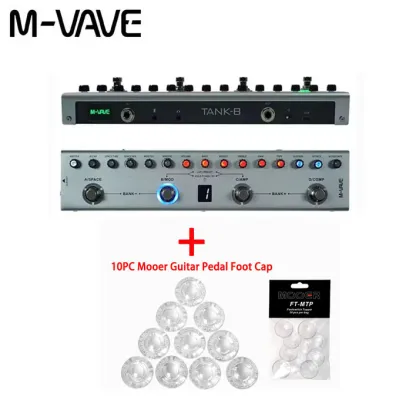
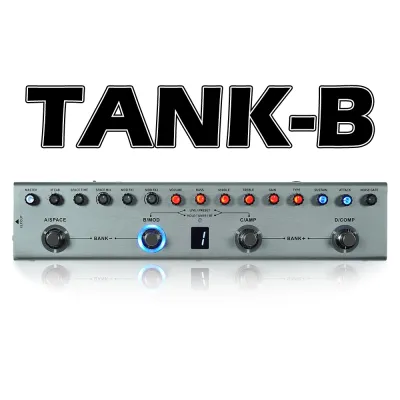
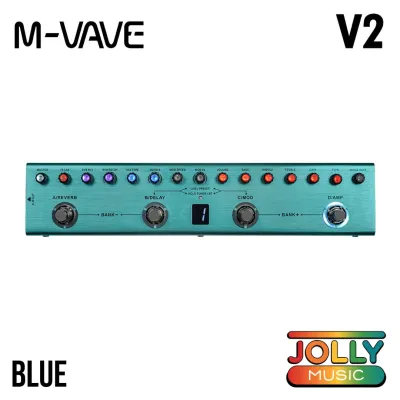
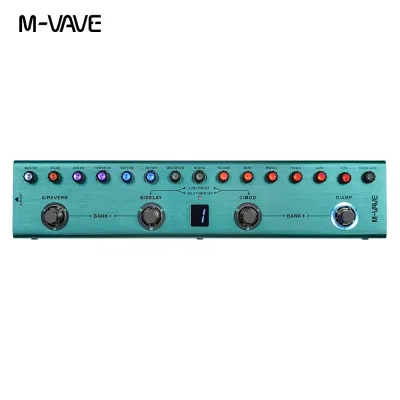
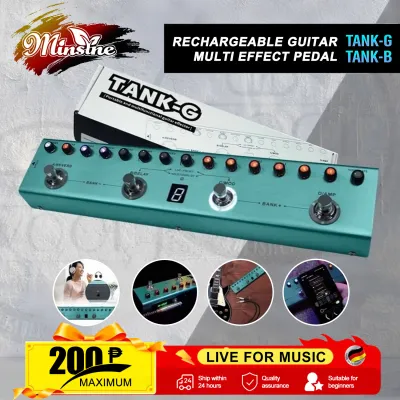
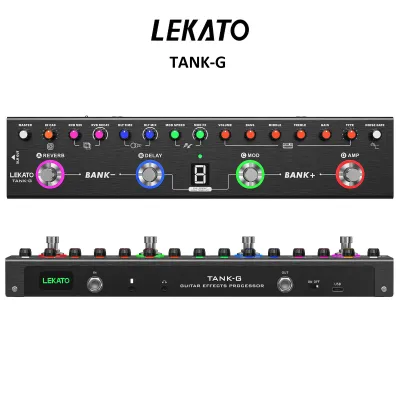
Prices are valid at publication and may change. Please refer to the product page for the latest price.
An Impulse Response is an acoustic snapshot of a specific guitar speaker cabinet, the microphone used to capture it, and the room acoustics of the studio where it was recorded. To evaluate the sound-shaping depth of this processor, you should check the manufacturer’s official specifications for supported IR file formats. Most modern devices require standard .wav files, but you must verify the exact supported sample rates (such as 44.1 kHz or 48 kHz) and bit depths (typically 24-bit) to ensure compatibility with your existing collection of digital cab sims.
Understanding the division between built-in cabinet models and user-loadable slots is essential before making a purchase. The processor comes pre-loaded with several factory cabinet simulations designed to cover common musical genres. For players who want to customize their sound further, the device features dedicated user slots where you can import third-party IRs. You should verify the exact number of available user slots and download the official companion software to your computer or mobile device to understand the import process. This prevents compatibility issues and ensures you can easily load custom files from popular digital cabinet creators.
Silent Practice and Audio Playback Features
For many guitarists, especially those living in shared spaces or urban apartments where loud amplifiers are impractical, silent practice is a daily necessity. The Tank G features a dedicated headphone output designed to deliver your fully modeled guitar tone directly to your ears. This allows you to practice at any hour of the day or night without disturbing those around you.

To get the best audio quality from this output, it is important to check the official specifications for headphone impedance compatibility. Headphone impedance, measured in ohms, dictates how much power is required to drive the speakers inside your headphones. Standard consumer-grade headphones and in-ear monitors (typically ranging from 16 to 32 ohms) will easily run at optimal volume levels. However, if you plan to use high-impedance studio monitoring headphones (such as 250 ohms or higher), the built-in headphone amplifier may not provide enough output, resulting in a quiet or thin tone.
In addition to silent monitoring, the processor includes built-in Bluetooth audio functionality. This feature allows you to pair your smartphone, tablet, or computer directly to the unit to stream backing tracks, metronomes, or instructional audio while you play. The streamed audio mixes seamlessly with your live guitar signal, creating an integrated practice environment.
While Bluetooth is highly convenient for streaming playback, you must pay attention to the manufacturer’s notes on latency. Bluetooth wireless protocols introduce a slight audio delay, which is perfectly fine when you are playing along to a pre-recorded backing track. However, this latency makes Bluetooth completely unsuitable for real-time monitoring of your live guitar playing. For your actual guitar signal, you must always rely on a wired headphone connection or direct monitoring outputs to ensure zero-latency response and maintain precise timing.
Recording and Connectivity Options
Beyond practice, the Tank G serves as a compact tool for home recording and content creation. It functions as a USB audio interface, allowing you to connect the unit directly to a computer, tablet, or smartphone. This direct digital connection sends your fully processed guitar tone straight into your Digital Audio Workstation (DAW) or video recording application, bypassing the need for an external audio interface or microphone.
Before integrating the processor into your recording setup, verify the official compatibility lists for operating systems. While many modern devices support class-compliant plug-and-play operation for mobile operating systems like iOS and Android, desktop systems may have different requirements. For example, Windows computers often require specific proprietary ASIO drivers to achieve low-latency recording and prevent audio dropouts. Checking these driver requirements on the manufacturer’s website beforehand will save you troubleshooting time during setup.
Additionally, you should confirm how the device manages power during recording sessions. Some units can run entirely on USB bus power supplied by your computer, while others require you to keep the internal battery charged or connect a separate power adapter. If you plan to record using a mobile device like an iPad or smartphone, keep in mind that these mobile devices may not output enough USB power to run the processor, meaning you will need to rely on the unit’s internal power source or a powered USB hub.
Power Options and Portability
Portability is a key factor for players who travel, perform in informal settings, or need a reliable backup tool that does not rely on constant mains power. The Tank G is equipped with a built-in rechargeable lithium-ion battery, making it entirely self-sufficient for outdoor practice, travel, or quick jam sessions where power outlets are unavailable.
To plan your sessions effectively, consult the official user manual for estimated battery life under different operating conditions. Keep in mind that power consumption increases when you use resource-heavy features like active Bluetooth streaming or continuous USB recording. Knowing these estimates helps you avoid mid-performance shutdowns, especially during outdoor gigs or long rehearsal sessions.
For extended sessions or desktop use, verify if the device supports charging via standard USB-C power banks. This feature is highly convenient for players in the local market, as it allows you to extend the operating time using the same portable chargers you use for your phone. If you prefer to run the unit from a wall outlet, make sure to check the required voltage, current draw, and polarity (such as a standard 9V center-negative power supply) to ensure you use a compatible adapter and prevent electrical damage to the internal components.
Matching the Processor to Your Playing Needs
Choosing the right guitar gear depends heavily on your specific playing environment and performance goals. The Tank G is highly suited for guitarists who prioritize portability, quick setup times, and budget-friendly functionality. It serves as an excellent desktop recording interface, a convenient silent practice station, or a lightweight direct-to-console tool for simple live setups where you do not want to carry a heavy amplifier.
However, this compact format involves clear trade-offs. If your playing style relies on complex, real-time control over multiple individual effects during a live performance, a small processor may feel limiting. Players who need multiple dedicated footswitches for complex routing, parallel effect chains, or built-in physical loopers with extensive memory should look toward larger, stage-oriented multi-effects floorboards instead. Evaluating these limitations ensures you select a device that aligns perfectly with your creative workflow.
Frequently Asked Questions (FAQ)
Can I load third-party Impulse Responses (IRs) into the device?
Yes, you can load third-party Impulse Responses (IRs) to customize your speaker cabinet simulations. To do this, you must connect the device to your computer or mobile device and use the manufacturer’s official companion software. Before importing any files, check the user manual to verify the exact supported specifications, such as sample rate limits (often 44.1 kHz or 48 kHz), bit depth (usually 24-bit), and mono or stereo formatting. Ensuring your IR files match these requirements prevents loading errors and ensures optimal sound quality.
Community discussion
Share your experience or ask a question. Comments are reviewed before publication.