
Choosing between the KG-100 and other entry-level multi-effects pedals comes down to verifying your specific instrument setup, practice environment, and preferred editing workflow. While many beginner processors promise an all-in-one solution for shaping your tone, they differ significantly in how they handle signal routing, connectivity, and user control. Instead of searching for a universal winner, your goal should be to match the pedal’s physical inputs, outputs, and software compatibility with your daily practice habits.
In tropical climates like the Philippines, where high humidity and temperature fluctuations can affect traditional analog gear, compact digital multi-effects units offer a highly stable and portable alternative. Whether you are practicing quietly in a bedroom with headphones to avoid disturbing others or plugging into a small practice amplifier, verifying the exact specifications of the KG-100 against competing models ensures you do not outgrow your purchase too quickly.
Defining the Scope: KG-100 and Beginner Multi-Effects Processors
Entry-level multi-effects processors are designed primarily to introduce musicians to a wide variety of sounds without the high cost and complexity of building an individual pedalboard. These compact units serve as excellent tools for home practice, basic tone shaping, and silent headphone sessions. They allow you to experiment with overdrive, delay, modulation, and spatial effects in a single, portable chassis that fits easily into a gig bag.
Products mentioned in this guide
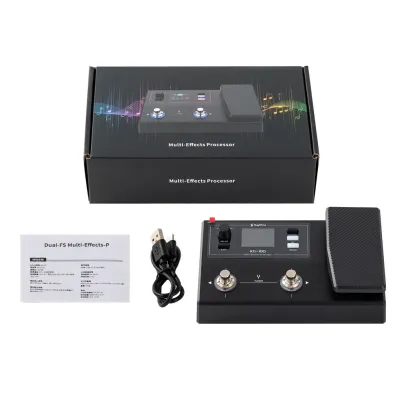
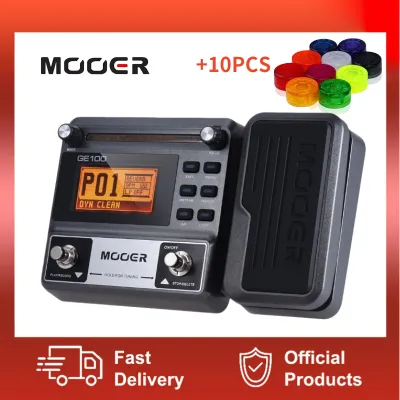
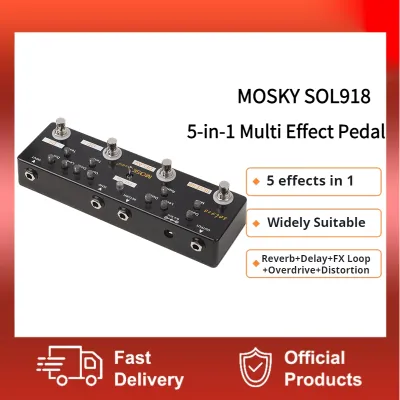
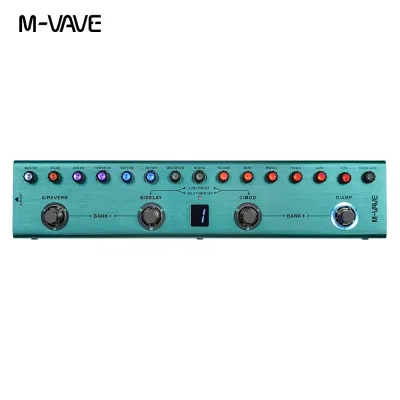
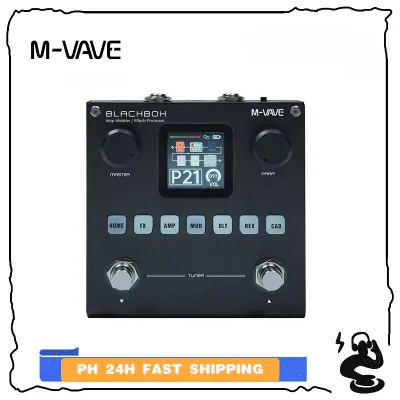
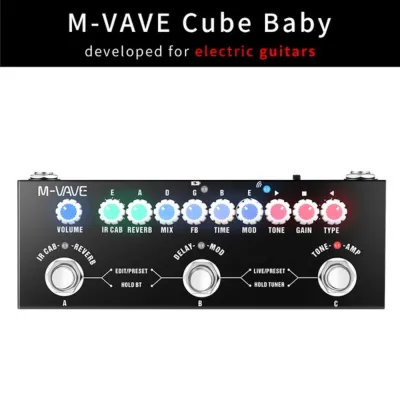
Prices are valid at publication and may change. Please refer to the product page for the latest price.
Because detailed technical specifications are not always prominently displayed on retail websites, you must know how to verify baseline capabilities using official product manuals or packaging labels. Key specifications to check include the internal sampling rate (typically measured in kHz and bits), the total number of built-in effects models, and whether the unit supports Impulse Responses (IRs) for realistic cabinet emulation. A higher sampling rate generally indicates clearer signal processing, while IR support allows you to load custom speaker cabinet profiles to improve your headphone tone.
It is equally important to understand what these entry-level units cannot do so you can set realistic expectations before spending your hard-earned pesos. Unlike professional-grade processors, beginner units like the KG-100 typically lack complex MIDI routing, balanced XLR outputs for direct stage connection, and highly customizable parallel signal paths. Recognizing these boundaries early prevents frustration and helps you determine if a budget-friendly processor is truly the right starting point for your musical journey.
Key Decision Factors for Guitar and Ukulele Players
When comparing the KG-100 to alternative entry-level processors, your primary instrument dictates your technical requirements. Electric guitars, acoustic-electric guitars, and ukuleles equipped with piezo pickups all have different input impedance requirements. You should check the technical specifications section of the user manual to ensure the pedal’s input impedance matches your instrument; an impedance mismatch can result in a thin, muddy, or excessively bright tone that EQ adjustments cannot easily fix.

The user interface and editing workflow represent another critical point of comparison. Some beginner pedals rely heavily on physical knobs and small onboard screens for adjusting parameters, which is ideal for players who prefer a tactile, hands-on approach. Other models require you to connect the pedal to a mobile app or computer software via Bluetooth or USB to edit deep settings. If you prefer tweaking your tones on the fly during a practice session, a unit with intuitive physical controls may serve you better than one that forces you to open an app every time you want to adjust the delay time.
Connectivity options determine how well the pedal integrates into your existing setup and how easily you can expand it later. Look closely at the physical jacks on the back of the unit to verify the presence of a dedicated headphone output, an auxiliary (AUX) input for playing along with backing tracks, and a USB port. A USB port that supports USB audio interface functionality is highly valuable, as it allows you to record your performances directly into a computer or mobile device without needing a separate external audio interface.
Comparing Core Features and Daily Usability
The internal signal chain structure of a multi-effects pedal determines how flexible your tone creation can be. You should verify whether the KG-100 or its competitors allow you to change the order of effects in the chain, or if the routing is fixed in a predetermined sequence. Additionally, check if the unit allows you to toggle the amplifier and cabinet simulations on and off independently; this is crucial if you plan to plug the pedal into the front of a real guitar amplifier rather than using headphones or full-range studio monitors.
Rhythm and practice tools are essential for keeping your daily sessions engaging and productive. Compare the built-in drum machines, metronomes, and loopers across different models by checking their specific operational limits in the user manual. For example, look at the maximum recording time of the looper (often ranging from 30 seconds to several minutes) and whether the looper can be used simultaneously with the built-in drum patterns. A looper that requires complex double-taps on a single footswitch to stop or erase tracks can be frustrating to use compared to a system with dedicated controls.
Preset management is another area where daily usability can vary wildly. Most entry-level processors come preloaded with factory presets designed to showcase the unit’s capabilities, but these are often too wet or dramatic for practical daily practice. Evaluate how easy it is to overwrite these presets or save your own custom tones into dedicated user slots. A logical preset navigation system allows you to switch smoothly between a clean tone, a rhythm crunch, and a lead sound during a song without awkward pauses.
Evaluating Value and Long-Term Suitability
Before finalizing your purchase, it is wise to verify the exact contents of the product package with your chosen online marketplace or local music store in the Philippines. Some budget-friendly pedals do not include a power adapter or a USB cable in the box, which can add unexpected costs to your overall budget. Confirming these details beforehand ensures you can plug in and start playing the moment your package arrives, rather than waiting to source a compatible power supply.
As your playing skills progress, you may find yourself wanting to integrate your multi-effects pedal into a larger setup. Consider whether the device’s input and output limitations will hinder your growth, such as when trying to connect to a tube amplifier using the four-cable method or sending a balanced signal to a live mixing console. If you plan to transition to live band rehearsals or small gigs in the near future, investing in a unit with more robust physical connectivity might save you money in the long run.
To guide your final choice, apply this conditional decision framework based on your verified needs:
- Choose the KG-100 if its physical interface, onboard controls, and verified input specifications align directly with your primary instrument and home practice setup.
- Choose an alternative entry-level processor if your workflow demands a dedicated mobile editing app, longer looper recording times, or specific cabinet simulation options not supported by the KG-100.
- Always verify first if your intended use case—such as recording directly into a specific operating system—is explicitly supported in the manufacturer's documentation before committing to a purchase.
Pre-Purchase Compatibility and Setup Checks
To avoid compatibility issues and the hassle of returns, perform a thorough system check before making your purchase. If the multi-effects pedal relies on companion software for preset editing or firmware updates, cross-check the officially supported computer operating system versions and mobile device requirements. Ensure your current laptop, tablet, or smartphone meets these specifications, as outdated operating systems may prevent the software from launching or communicating with the pedal.
Power requirements are another critical factor that can affect both performance and safety. Confirm the exact voltage (usually 9V DC), current draw (measured in milliamperes, or mA), and polarity (typically center-negative) required by the pedal. Using an incorrect power adapter can cause excessive noise, hum, or even permanently damage the internal circuitry of your processor. If you plan to practice outdoors or in areas with limited wall outlets, verify whether the unit can run on standard batteries or a portable power bank.
Finally, establish a strict stop condition during your research phase. If the official user manual or manufacturer documentation does not explicitly confirm the presence of a critical feature—such as an integrated USB audio driver, an expression pedal input, or specific instrument compatibility—do not assume it exists. In these cases, stop and consult the manufacturer’s customer support or a qualified professional at a local music shop to verify the feature before spending your money.
Frequently Asked Questions (FAQ)
Can I use a multi-effects pedal like the KG-100 with an acoustic guitar or ukulele?
Yes, you can use a multi-effects pedal with an acoustic-electric guitar or an acoustic ukulele equipped with a pickup, but you must pay close attention to the pedal’s input settings. Because these pedals are primarily voiced for electric guitars, you should bypass the high-gain amplifier and cabinet simulations to maintain the natural acoustic tone of your instrument. Instead, focus on using subtle equalization, compression, and ambient effects like reverb or chorus to enhance your sound. Always check the manual to ensure the pedal’s input impedance can accommodate the output of your specific acoustic pickup system.
Do I need an external amplifier if my multi-effects pedal has a headphone out?
No, you do not need an external amplifier if you plan to practice silently using the pedal’s dedicated headphone output. The pedal’s internal amplifier and cabinet simulations are designed to mimic the sound of a fully miked guitar rig directly through your headphones. However, if you want to play aloud without headphones, you will need to connect the pedal’s main output to an external sound source. This can be a dedicated guitar amplifier, a set of active studio monitors, a portable PA system, or a keyboard amplifier, depending on what inputs are available on your playback device.
Community discussion
Share your experience or ask a question. Comments are reviewed before publication.