
For beginners starting their musical journey with an electric guitar or an acoustic-electric ukulele, finding the right way to shape your sound is essential. Traditional guitar amplifiers can be bulky, loud, and expensive, leading many players to explore digital alternatives. The choice between a hardware amp simulator (a physical pedal or multi-effects unit) and a software amp simulator (a program running on a computer or mobile device) depends on your existing equipment, practice environment, and how you prefer to interact with technology.
Software simulators are highly accessible and cost-effective if you already own a computer and an audio interface, making them excellent for bedroom practice and home recording. Hardware simulators, on the other hand, offer plug-and-play simplicity, tactile controls, and near-zero latency, making them ideal for live jamming, gigging, or distraction-free practice sessions away from a screen.
Quick Answer: Hardware vs. Software Amp Simulators
If you already have a modern laptop or desktop computer and want to explore hundreds of virtual amps, cabinets, and effects at a relatively low initial cost, a software amp simulator is an excellent starting point. It integrates directly into digital audio workstations (DAWs) for easy recording. However, if you prefer a tactile experience with physical knobs, want to practice without booting up a computer, or plan to take your setup to band rehearsals, a hardware amp simulator is a highly practical choice. The right path ultimately hinges on whether you want to tweak virtual dials on a screen or turn physical knobs on a pedalboard, and whether you already own the necessary bridge hardware, such as an external audio interface.
Products mentioned in this guide
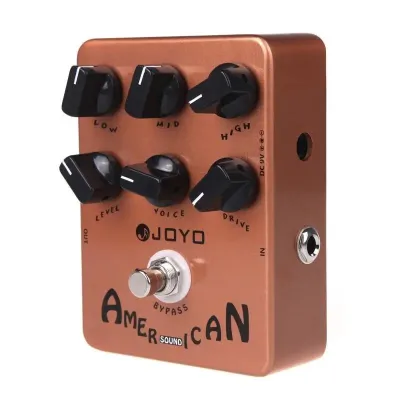
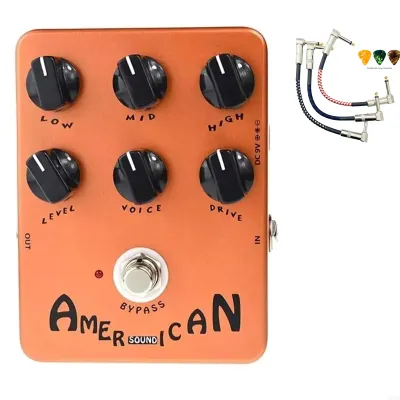
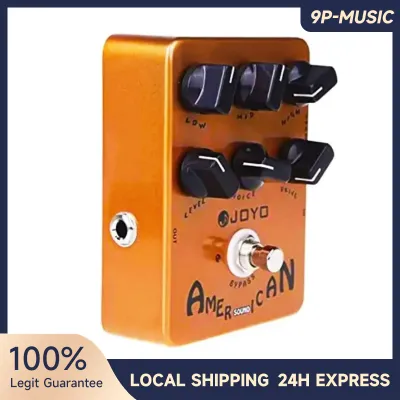
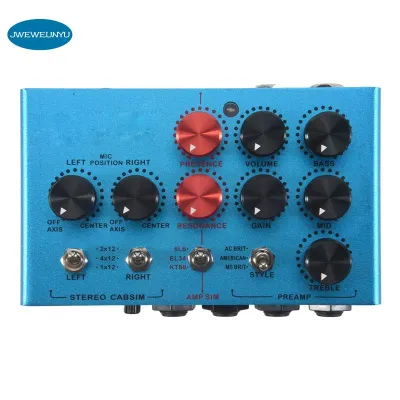
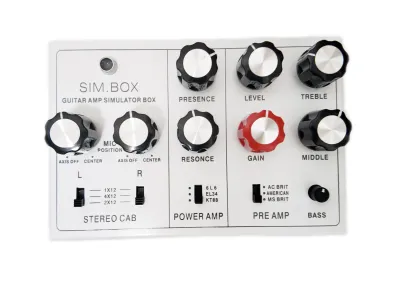
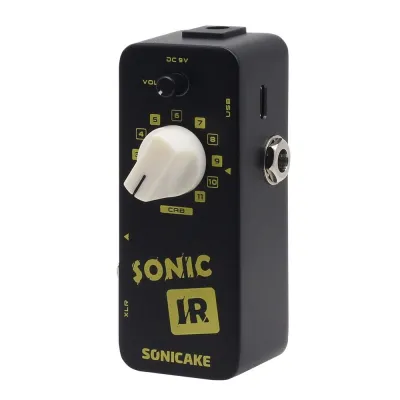
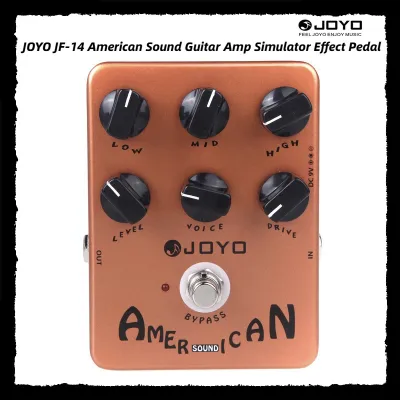
Prices are valid at publication and may change. Please refer to the product page for the latest price.
Setup Requirements and Daily Workflow
Setting up a hardware amp simulator is straightforward and closely mirrors using a traditional guitar amplifier. You place the unit on your desk or floor, connect your instrument cable to the input, plug in your headphones or active monitor speakers, and power it on. There are no operating systems to boot, no driver updates to install, and no software compatibility issues to troubleshoot. This plug-and-play nature is highly beneficial in tropical environments like the Philippines, where high humidity and sudden power fluctuations might make you hesitant to leave expensive computer rigs running constantly. You can simply plug in, turn a physical dial, and start practicing within seconds.

In contrast, a software amp simulator requires a more complex digital ecosystem. To connect your guitar to your computer, you must use a dedicated audio interface, which converts your instrument’s analog signal into a digital format. You will need to install the correct audio drivers and configure your software’s buffer size to minimize latency—the slight, distracting delay between plucking a string and hearing the sound. If your computer is older or running background tasks, you may experience audio crackles or system lag, which can be frustrating for a beginner who just wants to practice.
The daily workflow difference is significant. With hardware, the transition from deciding to practice to actually hearing your guitar takes less than half a minute. With software, you must turn on your computer, open your standalone simulator or digital audio workstation (DAW), ensure your audio interface is selected as the input and output device, and adjust your system volume. While this digital workflow is incredibly powerful for recording, the initial setup friction can sometimes discourage quick, spontaneous practice sessions.
Tone Shaping and Learning Curve
Learning how to shape your guitar tone is a fundamental skill for any beginner, and the interface you choose heavily influences this learning curve. Hardware amp simulators excel at providing a tactile, hands-on experience. Having physical knobs for gain, bass, middle, treble, and volume allows you to make immediate, intuitive adjustments. This physical interaction helps build muscle memory; you quickly learn how turning a treble knob changes the brightness of your tone or how rolling back the gain cleans up your sound. It mimics the workflow of a traditional amplifier, making it easier to transition to real amplifiers in the future.
Software amp simulators offer a highly visual representation of gear, often featuring realistic graphical user interfaces that look exactly like classic tube amplifiers and pedalboards. While this makes it easy to see your signal chain, tweaking settings requires clicking and dragging with a mouse or tapping on a touchscreen. The sheer volume of options in software can also lead to “preset paralysis.” Beginners often find themselves scrolling through hundreds of pre-made tones, downloading custom impulse responses (IRs), or adjusting micro-settings instead of actually practicing their instrument.
It is worth noting that modern digital modeling technology is highly advanced across both formats. A software plugin and a hardware pedal often use similar mathematical algorithms to model the behavior of vacuum tubes and speaker cabinets. Therefore, the raw potential for realistic tone is comparable. The real difference lies in how you interact with the interface: hardware encourages you to listen and turn knobs until it sounds right, while software encourages you to look at a screen and explore an almost infinite library of digital gear.
Upfront Costs and Long-Term Value
Evaluating the financial commitment of each path requires looking beyond the initial price tag of the simulator itself. A hardware amp simulator is typically a self-contained investment. When you purchase a multi-effects pedal or a dedicated amp modeler, the physical unit usually comes with its own power adapter and built-in processing chip. Your primary additional costs are standard instrument cables and a pair of decent headphones or powered speakers. Because the hardware handles all the digital processing, you do not need to upgrade your phone or computer to run it, making the long-term cost highly predictable.
Software amp simulators often appear cheaper at first glance, with many high-quality plugins offering free trials or budget-friendly entry tiers. However, the hidden costs lie in the required supporting hardware. You cannot plug an electric guitar directly into a standard computer headphone jack; you must purchase a dedicated USB audio interface to handle the high-impedance instrument signal. Additionally, you will need reliable studio headphones or flat-response studio monitors to hear the modeled tones accurately, as standard computer speakers or consumer Bluetooth headphones often introduce latency or color the sound undesirable.
When it comes to long-term value and expansion, the two formats diverge completely. If you want to expand a hardware setup, you may eventually need to buy additional physical pedals, upgrade to a more powerful multi-effects unit, or purchase external power supplies. With software, expansion is highly modular and digital. You can purchase individual amp models, artist preset packs, or third-party impulse responses directly online without adding physical clutter to your room. However, software licenses can sometimes be tied to specific operating systems, meaning a major computer update down the line could require paid software upgrades to maintain compatibility.
Decision Framework: Choosing Your First Amp Simulator
To make the right choice for your musical journey, evaluate your current living space, practice habits, and long-term musical goals. This decision framework will help you identify which format fits your lifestyle.
Choose a software amp simulator if:
- You already own a reliable computer or laptop and a functional USB audio interface.
- Your primary goal is to record your own music, lay down tracks in a DAW, or produce bedroom demos.
- You have limited physical space and prefer to keep your practice area clean and free of extra cables and pedals.
- You enjoy navigating digital menus, customizing signal chains on a screen, and having access to a virtually limitless library of virtual gear.
Choose a hardware amp simulator if:
- You want a simple, distraction-free practice environment where you can plug in and play without looking at a computer screen.
- You plan to jam with friends, take your gear to music lessons, or perform live, requiring a portable unit that plugs directly into a PA system or active speaker.
- You do not own a dedicated computer or prefer not to deal with driver installations, latency troubleshooting, and software updates.
- You value tactile control and want to learn how to dial in tones using physical knobs and switches.
Before making your purchase, verify these critical technical specifications:
- For software: Check the system requirements of the simulator plugin against your computer's processor and RAM. Ensure your audio interface supports low-latency drivers to avoid noticeable audio delays.
- For hardware: Verify the input and output options on the pedal. Ensure it has a dedicated headphone jack (usually 3.5mm or 6.35mm) for silent practice, and check if it can function as a USB audio interface itself, which many modern multi-effects units do, offering a hybrid path for the future.
Frequently Asked Questions (FAQ)
Can I use a hardware amp simulator without a real guitar amplifier?
Yes, you can use a hardware amp simulator completely without a traditional guitar amplifier. Modern hardware modelers are designed to replace both the amplifier and the speaker cabinet. They feature built-in cabinet emulation (often using impulse responses) that mimics the sound of a mic’ed guitar speaker. You can plug your headphones directly into the unit’s headphone output for silent practice, or connect the main outputs directly to active studio monitors, a home stereo system, or a live PA system.
Do software amp simulators sound worse than hardware pedals?
No, software amp simulators do not inherently sound worse than hardware pedals. In fact, many high-end software plugins use the exact same modeling algorithms and high-resolution impulse responses found in premium hardware units. For a beginner, any perceived difference in sound quality is usually due to the playback system—such as using low-quality headphones or cheap computer speakers—rather than the software itself. When played through high-quality studio monitors or studio headphones, software simulators deliver incredibly realistic and professional tones.
Community discussion
Share your experience or ask a question. Comments are reviewed before publication.