
Finding the right English-Tagalog dictionary app requires looking beyond basic app store ratings to evaluate translation accuracy, offline reliability, and specific feature sets. The ideal choice depends on whether you are navigating daily conversations, studying formal grammar, or translating professional documents. By focusing on how an app handles contextual nuances and offline databases, you can secure a reliable linguistic tool that works even when cellular signals drop.
Evaluating English-Tagalog Dictionary Apps: Core Criteria
Different users require different tools to bridge the gap between English and Tagalog. A student preparing for academic exams needs deep grammatical breakdowns, verb conjugations, and formal sentence structures to master the language. A traveler navigating public transit or local markets needs quick, conversational translations and audio pronunciations to get by. Meanwhile, a bilingual professional or copywriter requires precise contextual definitions, synonyms, and register distinctions to maintain professional standards.
App stores are flooded with dictionary apps, but many are low-quality clones designed solely to serve aggressive ads. To verify legitimacy, look closely at the developer’s name and portfolio before downloading. Reputable developers often specialize in educational software or linguistic tools, whereas copycat apps are frequently published by unknown entities with generic portfolios. Reading the developer’s privacy policy can also reveal whether they treat your data responsibly or exist merely to harvest information.
Products mentioned in this guide
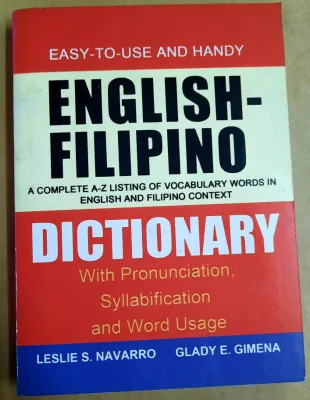
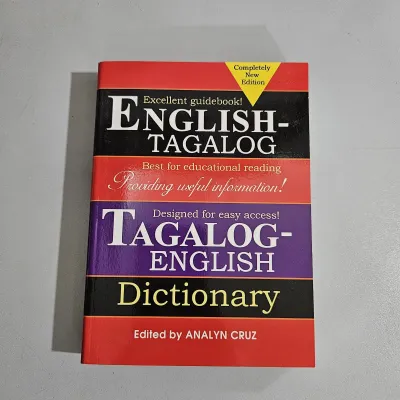
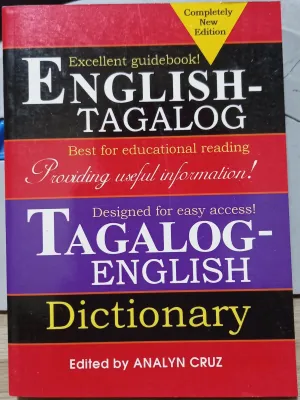
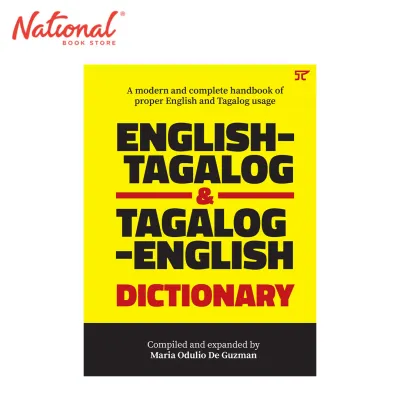
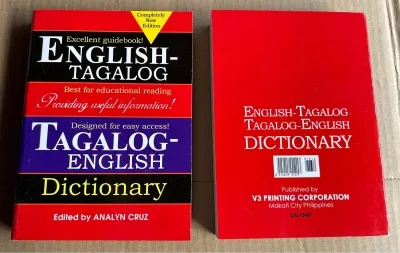
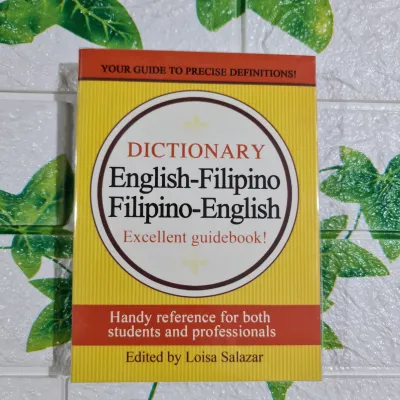
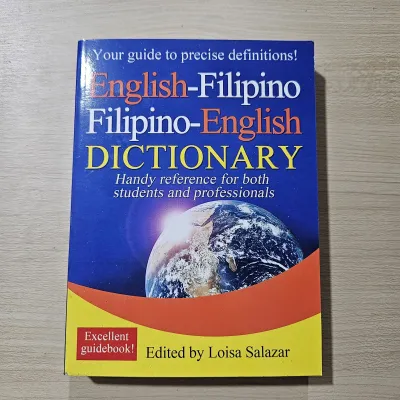
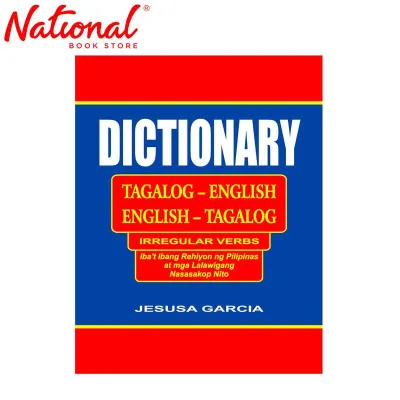
Prices are valid at publication and may change. Please refer to the product page for the latest price.
Another critical step is checking the app’s update history. Operating systems update regularly, and an app that has not been updated in over a year may suffer from layout glitches, slow search speeds, or frequent crashes on newer devices. Regular updates indicate that the developer actively maintains the database, patches security vulnerabilities, and optimizes the interface for modern screen resolutions.
Comparing Key Features and Usability
A dictionary is only as good as its search bar. When evaluating apps, test the speed and flexibility of the search function. Auto-complete is an essential feature that suggests words as you type, which is incredibly helpful when you are unsure of the exact spelling of a Tagalog word with complex repeating syllables. Voice input allows for hands-free lookups when you are on the move, while handwriting recognition can assist those who prefer writing naturally.

For dedicated language learners, supplementary tools turn a simple reference list into an active learning platform. Look for apps that include built-in flashcard systems, spaced repetition algorithms, and daily notifications to build vocabulary consistently. High-quality audio pronunciations recorded by native speakers are far superior to robotic text-to-speech engines, helping you master the distinct glottal stops and stress patterns of Tagalog words. Example sentences are equally vital, as they demonstrate how a word behaves grammatically within a natural sentence structure.
User interface design directly impacts usability, especially during quick lookups. Many free dictionary apps monetize through intrusive banner ads, full-screen pop-ups, or unskippable videos that disrupt your workflow. When comparing apps, assess whether the ad placement interferes with the search bar or keyboard. If the clutter is overwhelming, check if the app offers a premium, ad-free upgrade. A clean, minimalist interface allows you to focus entirely on the text without frustrating distractions.
Assessing Translation Accuracy and Context
The greatest challenge in English-Tagalog translation is capturing context rather than literal word-for-word equivalents. For instance, translating idiomatic expressions or culturally specific terms requires a database that understands local nuances. A basic machine translator might struggle with colloquial terms or words that change meaning entirely based on stress, such as “aso” (dog) versus “asó” (smoke). Testing an app with common idioms or multi-meaning words will quickly reveal whether its database is context-aware or merely performing mechanical substitutions.
To verify the accuracy of an app’s definitions, cross-reference its outputs with established physical dictionaries or trusted academic resources. Academic lexicons, such as those compiled by respected university presses or national language commissions, serve as the gold standard. If an app consistently provides definitions that contradict these authoritative sources, or if it fails to distinguish between formal Tagalog and casual Tagalish, it may not be reliable for serious study or professional use.
Understanding the technology behind the app helps set realistic expectations. Some apps rely on open-source machine translation APIs, which require an active internet connection and often produce stiff, overly literal translations. Others utilize curated, offline lexical databases compiled by professional lexicographers. You can usually identify which system an app uses by reading its store description; apps with curated databases will proudly highlight their editorial team, lexicographical sources, and offline database sizes.
Managing Offline Access and Device Compatibility
True offline access is a necessity when traveling through areas with spotty cellular coverage or when conserving mobile data. However, many apps claim to be offline but only cache a limited history of your recent searches. To verify true offline capability, check the app store description for mention of a downloadable database. A genuine offline dictionary will allow you to download the entire dictionary file directly to your device, ensuring every single word remains searchable without any internet connection.
This offline convenience comes with a clear trade-off regarding device storage. Comprehensive bilingual databases containing tens of thousands of entries, example sentences, and audio files can occupy hundreds of megabytes of storage space. If your device has limited storage, you may need to choose a lightweight app that relies on cloud-based servers, though this means you will lose access whenever you enter a concrete building, a remote rural area, or a basement office with poor reception.
Data privacy is another crucial factor when installing any mobile application. Carefully review the permissions an app requests upon installation. A standard dictionary app has no legitimate reason to access your contacts, precise GPS location, camera, or microphone—unless you explicitly use a voice-search feature. Denying unnecessary permissions protects your personal data from being collected and shared with third-party advertisers.
How to Choose the Right Dictionary App for Your Needs
To choose the right app, align your selection with your primary daily activities. If you are a traveler or commuter who frequently encounters weak signal zones, prioritize apps that offer robust, fully downloadable offline databases. If you are a student or language enthusiast, focus on platforms that integrate interactive learning tools like flashcards, audio guides, and detailed grammatical notes. For quick, casual lookups during casual conversations, a lightweight, ad-supported free app with a clean layout may be entirely sufficient.
Before making a final decision, run through a quick verification checklist. Read recent user reviews in the app store to see if other users complain about bugs, slow loading times, or compatibility issues with the latest operating system updates. Check the pricing structure carefully; some apps are entirely free, others use a freemium model with subscription tiers, and some offer a one-time premium purchase. If you decide to purchase, ensure the price in ₱ fits your budget and offers a clear, ad-free experience with lifetime database updates.
Do not hesitate to abandon an app if it fails to meet basic usability standards. If you experience persistent crashes, notice glaring translation errors, or find yourself constantly blocked by aggressive paywalls and intrusive video ads, it is time to seek alternatives. A good dictionary should be a seamless, reliable companion that aids your communication, not a source of frustration that slows you down.
Frequently Asked Questions (FAQ)
Can I use an English-Tagalog dictionary app without an internet connection?
Yes, but offline usability depends entirely on the app’s design and whether it supports a downloadable database. Some apps require you to manually download the language pack or database within the settings menu while connected to Wi-Fi. Once downloaded, the app can perform full lookups without cellular data or internet access, though advanced features like voice search or machine translation of long paragraphs may still require an active connection.
Are paid English-Tagalog dictionary apps more accurate than free ones?
Paid apps often offer superior accuracy because their development is funded by purchase fees, allowing developers to license professionally curated, academic-grade lexical databases. Free apps, by contrast, frequently rely on open-source word lists or automated machine translation APIs that can miss cultural context and grammatical nuances. However, you should always test the free version or read user reviews to ensure the premium price in ₱ delivers genuine, ad-free value and verified linguistic accuracy before buying.
Community discussion
Share your experience or ask a question. Comments are reviewed before publication.